
Help center · Print and share
Share a one-page snapshot
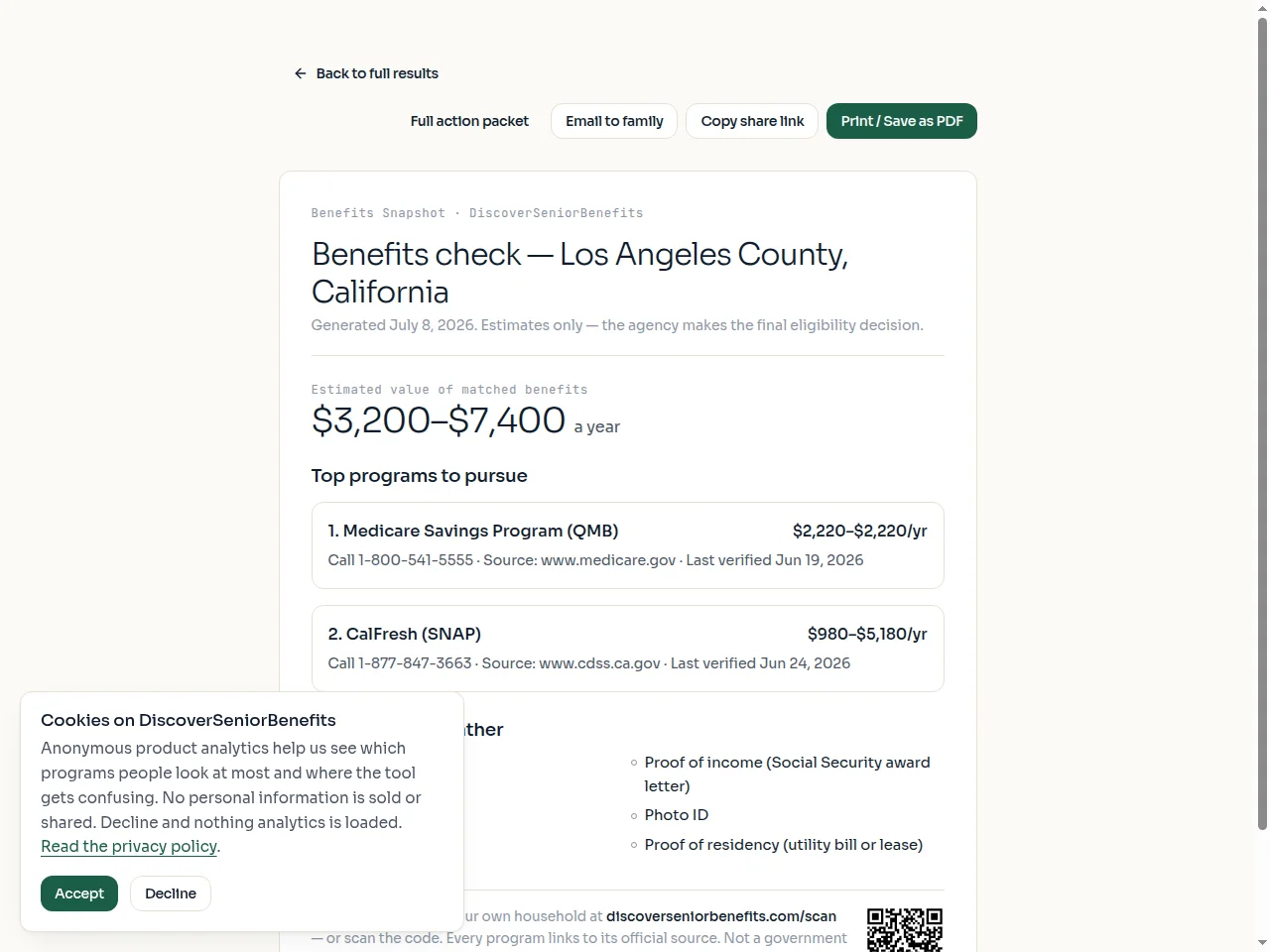
The snapshot is a single page: top programs, the combined document list, and a QR code — with no personal financial details on it anywhere.
- On the results page, select "Print or share a snapshot".
- Print it, use "Copy share link", or "Email to family" to send it directly.
- The recipient sees the summary only — never the income, asset, or health answers.
Not legal or financial advice. The agency makes the final eligibility decision.