
Partner help center · Plans and billing
Cancel or restart a plan
You can cancel at any time from the Billing page. Paid features stay on until the end of the billing period, then the listing returns to a free Basic listing. Restarting later is one click.
Cancel
- Sign in, open "Billing" and select "Cancel subscription".
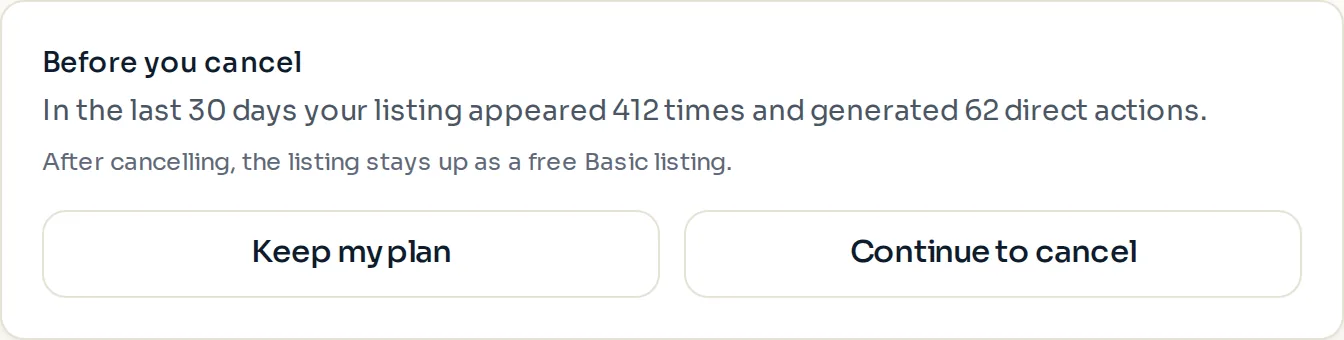
- A "Before you cancel" panel shows what the listing did in the last 30 days. Choose "Keep my plan" or "Continue to cancel".
- "Continue to cancel" opens your Stripe billing page, where the cancellation is completed.
After canceling
The listing stays up as a free Basic listing: name, category, phone, address and a short description, in one county. Verification, photos and your other details are kept, ready for a restart.
The site does not send a cancellation email. Stripe may send its own confirmation.
Restart
- Sign in and open "Billing" or "Listing dashboard".
- Select "Restart subscription". A Stripe Checkout page opens for the plan you had.
- Complete the checkout. The full profile and placement return as soon as the payment goes through.
- A free-months offer applies only to a business's first paid listing. A restart is billed from the first day.
Paid placement never changes anyone's eligibility results. Read the advertising policy.