
Partner help center · Sponsor articles and the newsletter
Logo, banner, tagline and link
Everything readers see in your sponsor block is set on the "Creative" page. Changes apply to every article you sponsor.
- "Logo": shows next to your name. PNG, JPG or WebP, up to 1 MB. A square image on a plain background looks best.
- "Hero banner": a wide photo across the top of the block. Pick a 3-to-1 shape; PNG, JPG, WebP or GIF up to 15 MB, saved at 1200 by 400.
- "Tagline": one short line under your name that says what you do and where, up to 255 characters.
- "Link URL": where readers go when they select "Visit website". A full address that starts with https://.
- "Disclosure override (optional)": replaces the standard notice at the bottom of the block. Leave it blank to keep the standard one. If you write your own, it must still say the message is paid. Up to 240 characters.
- Select "Save changes".
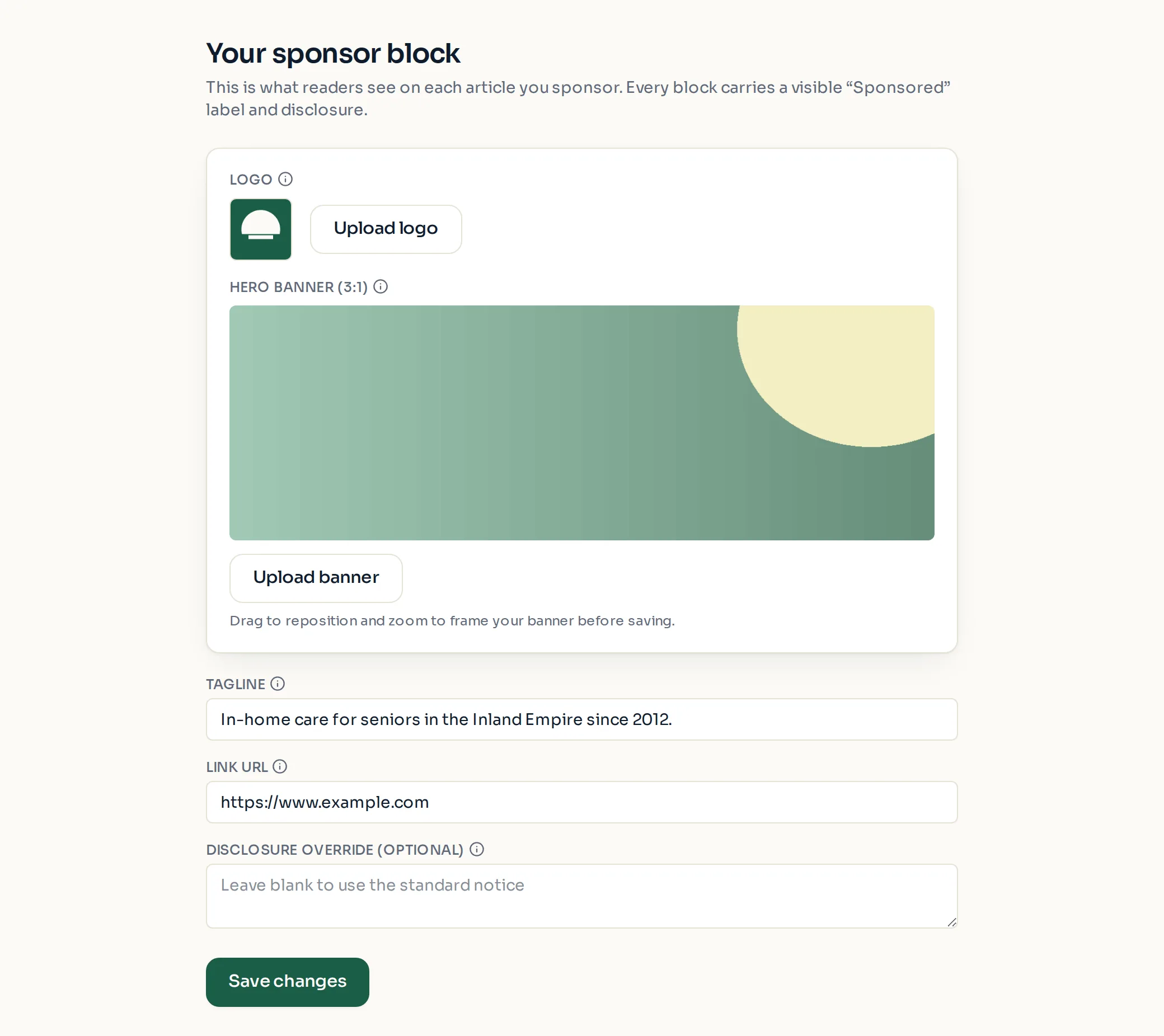
- Image uploads save as soon as they finish; text fields need "Save changes".
- The same logo and creative are used for newsletter sponsorships.
Paid placement never changes anyone's eligibility results. Read the advertising policy.