
Partner help center · Get started
Already listed? Claim it
Some businesses are listed before they ever sign up. Claiming the listing proves you run the business, then gives you a dashboard to edit it and, if you like, upgrade it.
- Find the listing. Search your business name on the For partners page and select "Claim this listing", or open the listing's own page and select "Claim this listing" in the "Is this your business?" card.
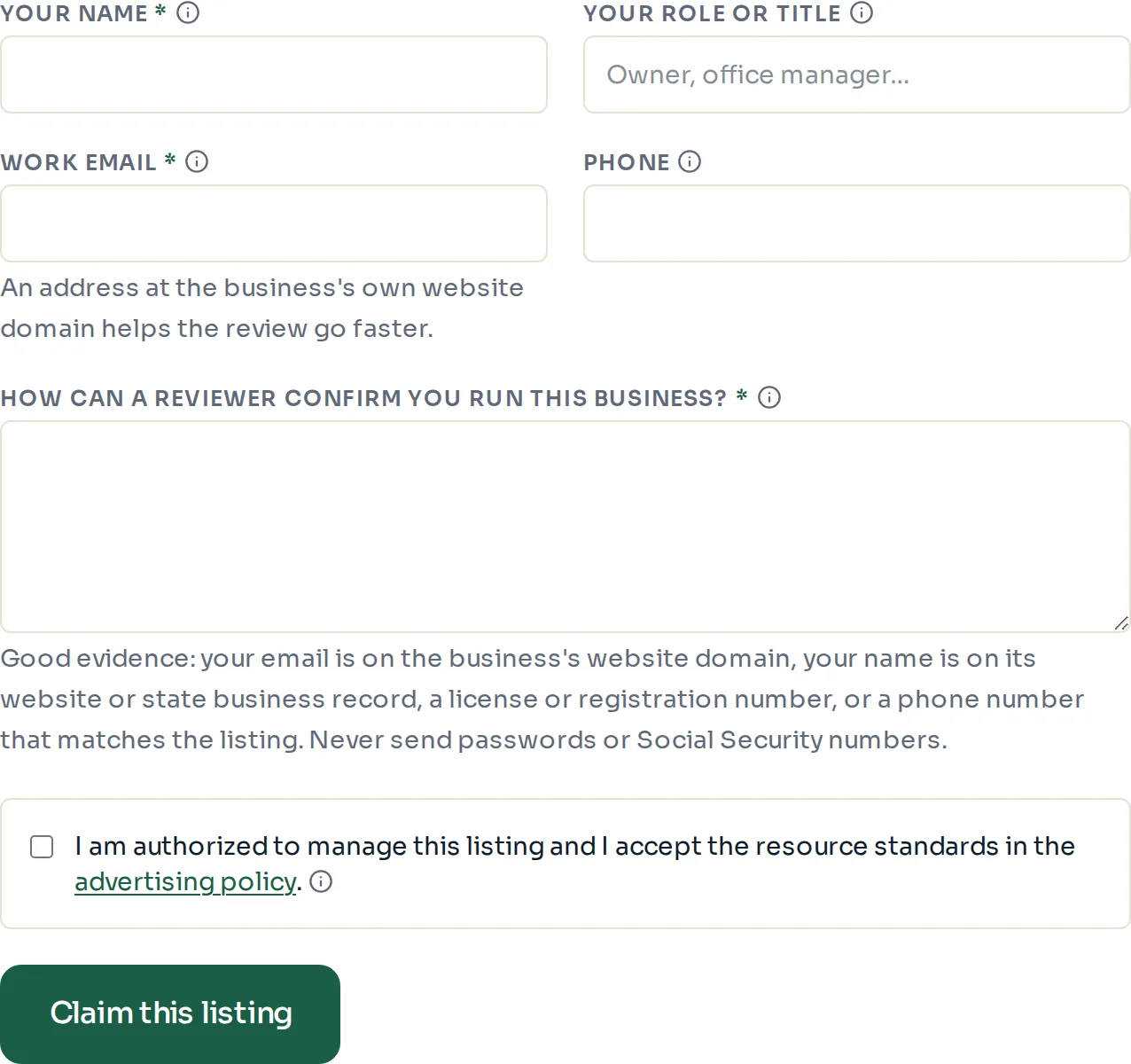
- Fill in "Your name", "Your role or title", "Work email" and, if you like, "Phone".
- Answer "How can a reviewer confirm you run this business?" Good evidence: your email is on the business's website domain, your name is on its website or state business record, a license or registration number, or a phone number that matches the listing. Never send passwords or Social Security numbers.
- Check the box to confirm you are allowed to manage the listing, then select "Claim this listing".
- Open the email that arrives and select the confirmation link. The link works for 48 hours.
After you confirm
A reviewer checks the claim, usually within three business days. When it is approved, an email with a dashboard sign-in link arrives. From there you can edit the listing, pick your counties, apply for verification and upgrade.
If the claim cannot be approved, an email titled "About your claim" explains what was missing.
- Only live listings that nobody has claimed yet can be claimed. If the search shows "Already managed — sign in", someone at your business already has access.
- A confirmation link that has expired is easy to fix: find the listing again and send a new claim.
Paid placement never changes anyone's eligibility results. Read the advertising policy.