
Partner help center · Get started
Sign in to your business account
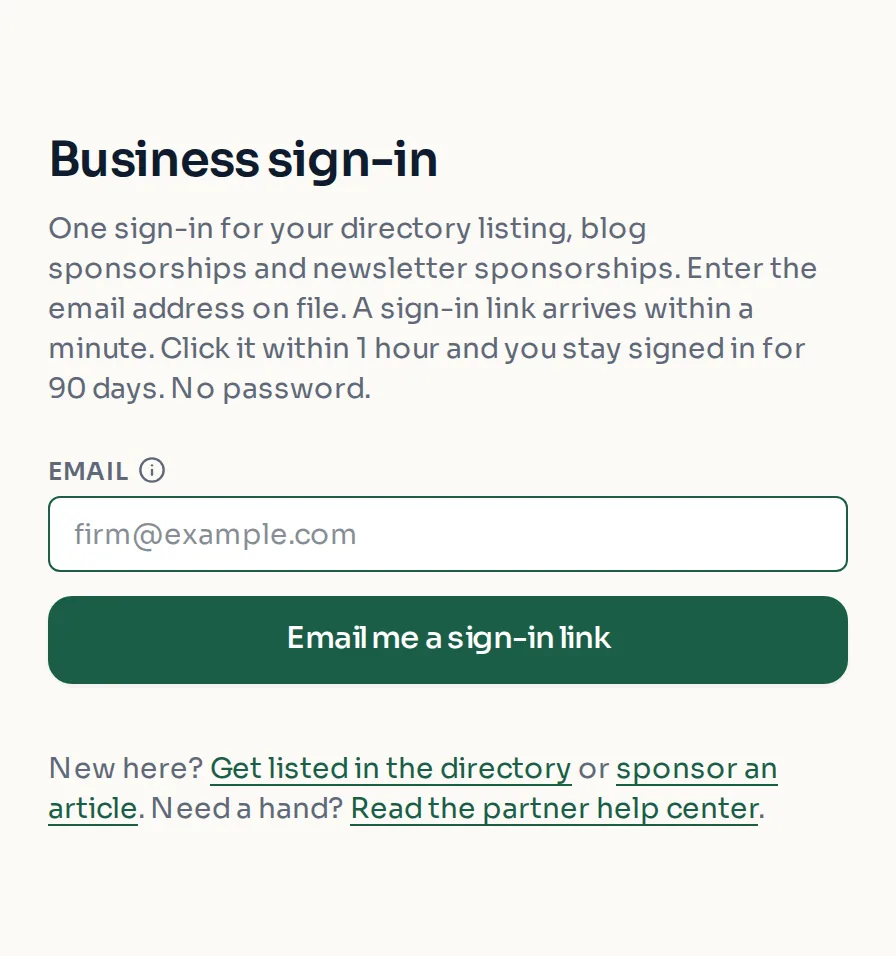
There is no password. You enter the email on your business account, and a sign-in link is emailed to you. One sign-in covers your directory listing, blog sponsorships and newsletter sponsorships.
- Go to discoverseniorbenefits.com/advertiser/sign-in (also linked as "Business sign in" at the bottom of every page).
- Enter the email address on your business account and select "Email me a sign-in link".
- Open the email and select the link within 1 hour.
- You stay signed in on that device for 90 days.
If something goes wrong
"That sign-in link has expired" means the hour passed before the link was used. Request a fresh one on the sign-in page.
"That business account was removed" means the account no longer exists. Email support@discoverseniorbenefits.com if this looks like a mistake.
No email after a few minutes? Check spam, and make sure you typed the exact address on the account. For privacy, the page says the same thing whether or not an account exists for the address.
- Links in approval and report emails also sign you in, and those work for 48 hours.
- The older /partner/sign-in and /sponsor/sign-in addresses still work. They send you to the same page.
- Sign-in links can be requested up to 10 times an hour.
Paid placement never changes anyone's eligibility results. Read the advertising policy.