
Partner help center · Get started
What a listing does for your business
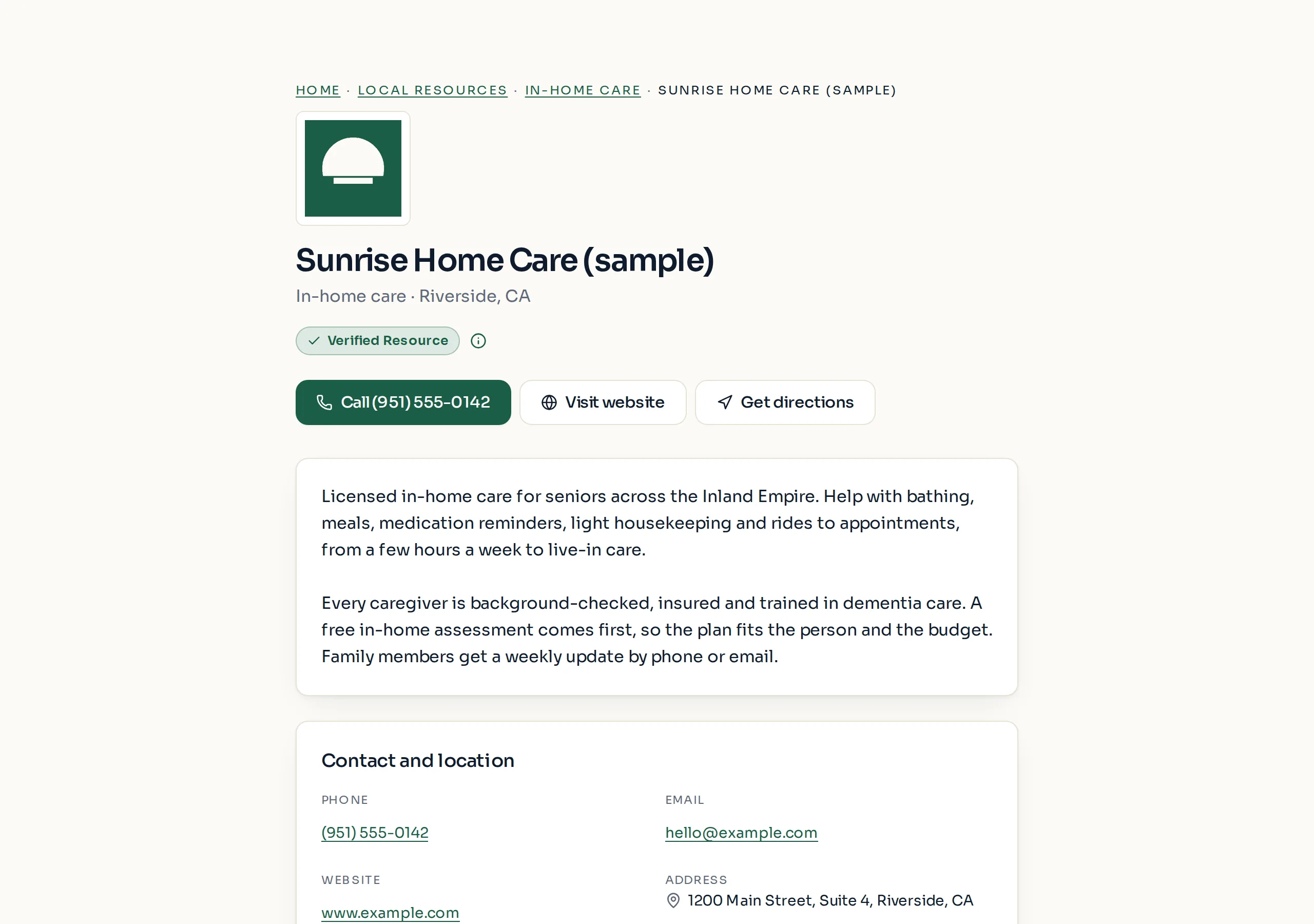
A listing puts your business in front of seniors and caregivers at the moment they are looking for help close to home. It is separate from the benefit results, which never change for any business.
Where your listing appears
Every listing has its own profile page and appears in the Services directory, sorted by category and county.
Verified and Featured listings also appear in the "Local resources" box that visitors see right after an eligibility check, for the counties you serve.
Featured listings get three more spots: the "Local resources" box on each county benefit page for the counties you serve, a weekly spotlight on the directory home page, and the footer of related blog articles.
Who sees it
Visitors are seniors and the adult children who help them. Most arrive from a search about a benefit, run the free eligibility check, then look for local help with what comes next.
You see counts, never people. The dashboard shows how often the listing was shown and clicked. It never shows who visited or anything from anyone's eligibility check.
How the order of listings is decided
Featured listings come first, then Verified, then Basic. Inside each level the order rotates every day, so every business at the same level gets a fair turn at the top.
When a sponsored slot is sold for a county or category, it appears first and is labeled "Sponsored". Businesses cannot buy these slots themselves; support arranges them.
No plan, payment or badge ever changes which benefits show up in anyone's results.
Paid placement never changes anyone's eligibility results. Read the advertising policy.