
Partner help center · Your listing
Why a badge or placement isn't showing yet
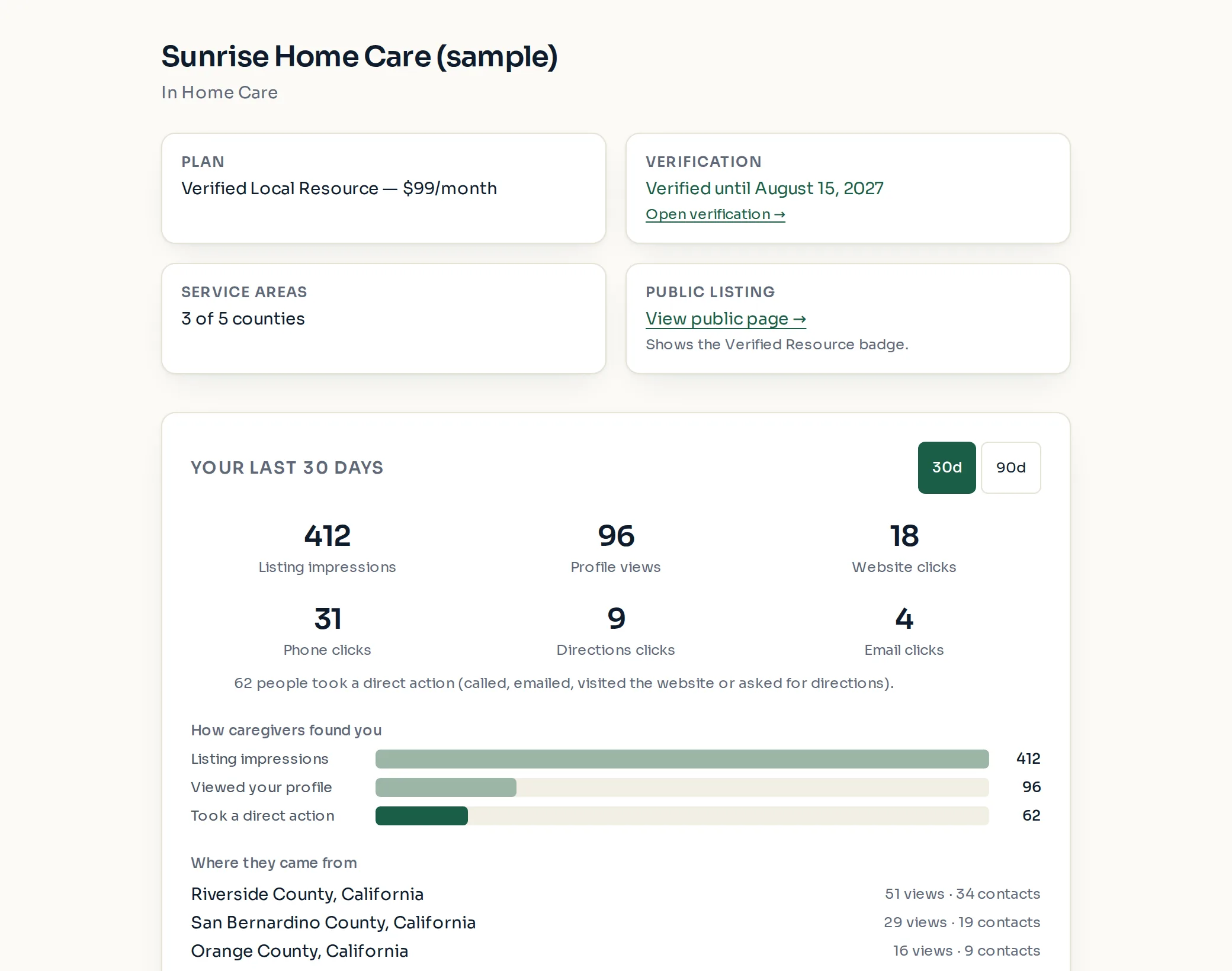
The listing dashboard says in plain words what the public sees right now. Start there: sign in, open "Listing dashboard", and read the "What your listing shows right now" card if one appears.
The usual reasons
"Under review — not public yet" at the top of the page: the listing has not been approved yet. Nothing shows publicly until a reviewer approves it, and an email follows.
"No active subscription yet": a paid plan was chosen but checkout was not completed. Use the payment link from the welcome email, or open "Billing" and start the subscription.
"The most recent payment failed": until the card is fixed, the listing shows as a Basic listing. See the guide "A payment failed".
"The subscription is canceled": the listing shows as Basic. Select "Restart subscription →" to start again. Your details, photos and counties are kept.
Plan active but no badge: verification is not approved yet. The full profile shows, but the badge and placement above Basic listings start when verification is approved. Open "Verification" to check the status.
See it yourself
- Select "View public page →" on the dashboard to open your listing exactly as visitors see it.
- The "Public listing" card says whether the listing is live and which badge, if any, is showing.
- A Featured plan that is paid and verified but shows no Featured badge is rare. Email support@discoverseniorbenefits.com so the listing can be checked.
Paid placement never changes anyone's eligibility results. Read the advertising policy.